
A draft is a message that exists but has not been sent. It goes through the same validation and the same classifier as a live send, so you find out whether it will be accepted before anything is queued.
The lifecycle
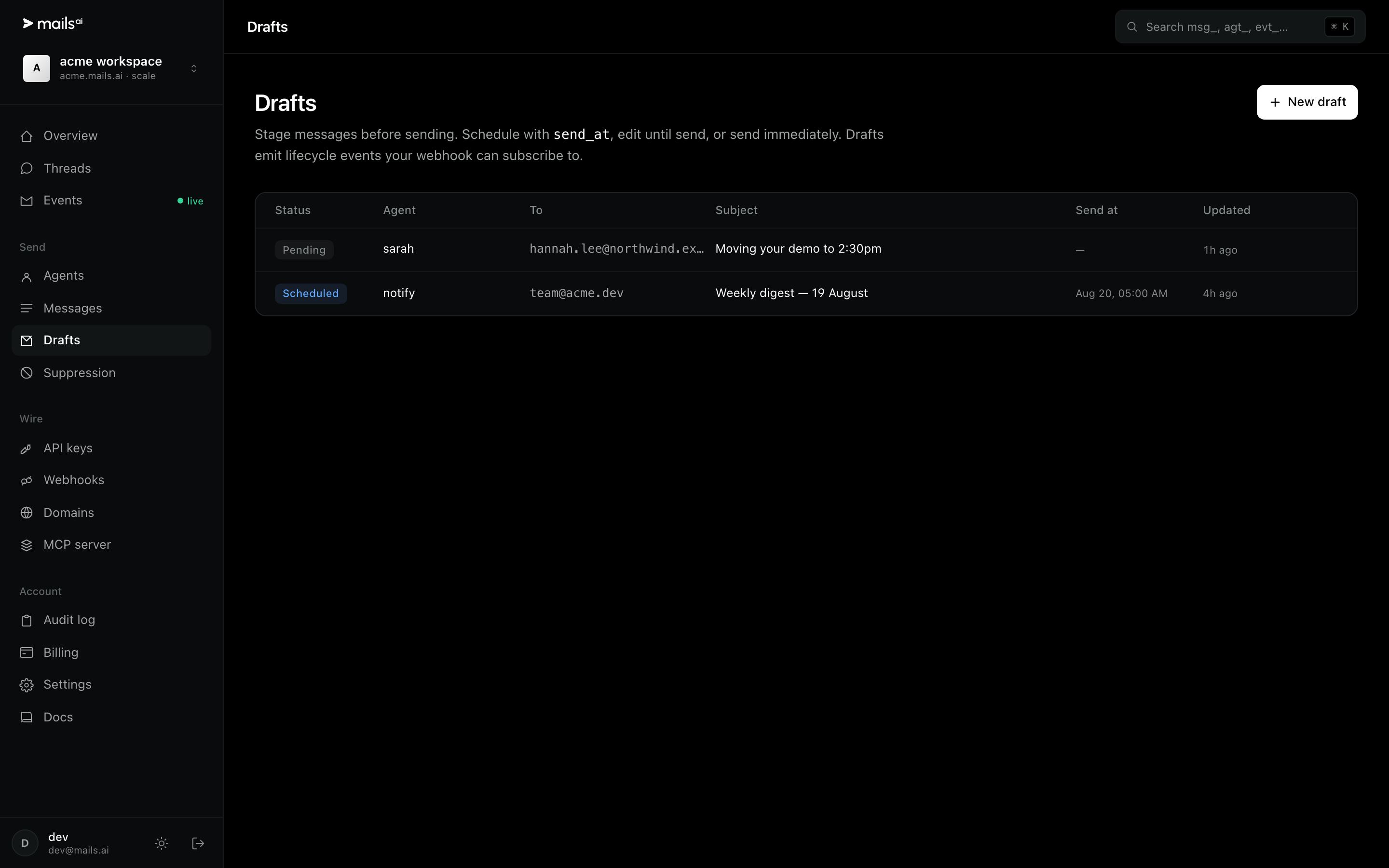
POST /v1/draftscreates it. Statuspending.PUT /v1/drafts/{id}edits it — subject, body, recipients,send_at.POST /v1/drafts/{id}/sendsends it now.Or set
send_atand the scheduled dispatcher sends it at that time. Statusscheduled.
Cancelling
POST /v1/messages/{id}/cancel stops a scheduled message that has not gone yet. Once a message is sent it cannot be recalled — email does not work that way — so cancel is only meaningful in the scheduled window.
Events you can subscribe to
Drafts emit their own events: draft.scheduled, draft.sending, draft.sent and draft.failed. Subscribing to draft.failed is the honest way to notice that a scheduled send did not happen.
Open drafts are capped per plan — 1,000 on Free, 10,000 on Pro, 50,000 on Scale.
Open drafts