
Every send and every inbound is grouped into a thread by walking In-Reply-To. You do not have to track thread ids yourself — but you can, and they are stable.
Replying
POST /v1/messages/{id}/reply sends into the same thread as the message you name, with the right headers and subject already set. That is the endpoint your agent should call when it has read an inbound and decided what to say.
Forwarding
POST /v1/messages/{id}/forward passes a received message on to new recipients, keeping the original intact. Useful when the agent decides a human needs to see something.
Reading a thread
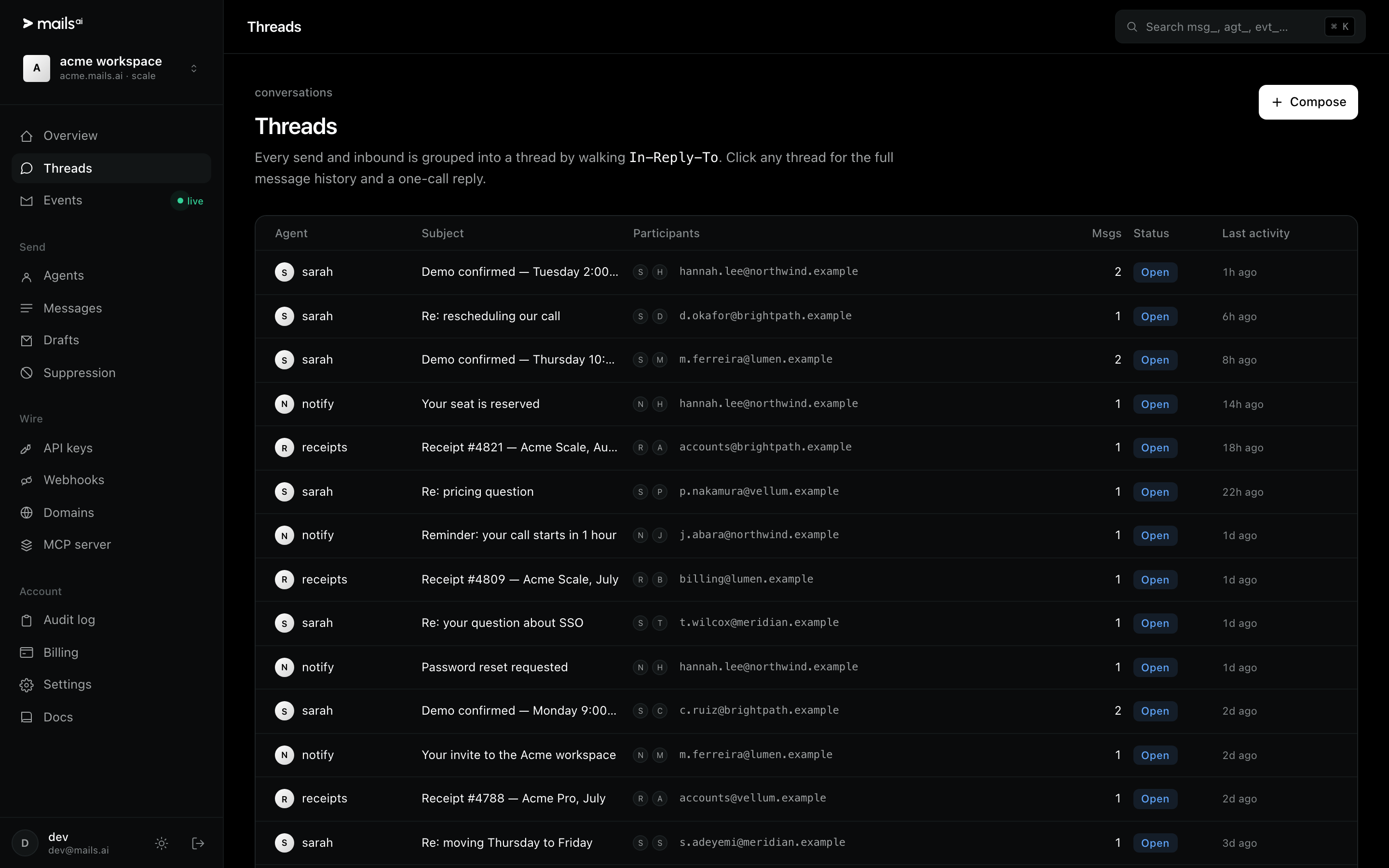
GET /v1/threads lists conversations; GET /v1/threads/{id} returns the full message history in order. In the dashboard, clicking a thread shows the same thing plus a one-click reply.
Browse your threadsA thread's
participantsarray is the set of addresses that have appeared in it. It is the fastest way to answer "has this person been in touch before?" without a search.