

A send is one POST to https://api.mails.ai/v1/messages with a bearer key. to and subject are required, plus at least one of body_text or body_html. from names the agent that sends it; you can leave it out while your workspace has a single agent.
Idempotency
Send an Idempotency-Key header on every send. If the same key and body arrive twice within 24 hours — a retry, a crashed worker, a duplicated queue message — the second request returns the original message instead of mailing the recipient twice. The same key with a different body is refused with 400. It costs you one header and removes a whole class of incident.
What comes back
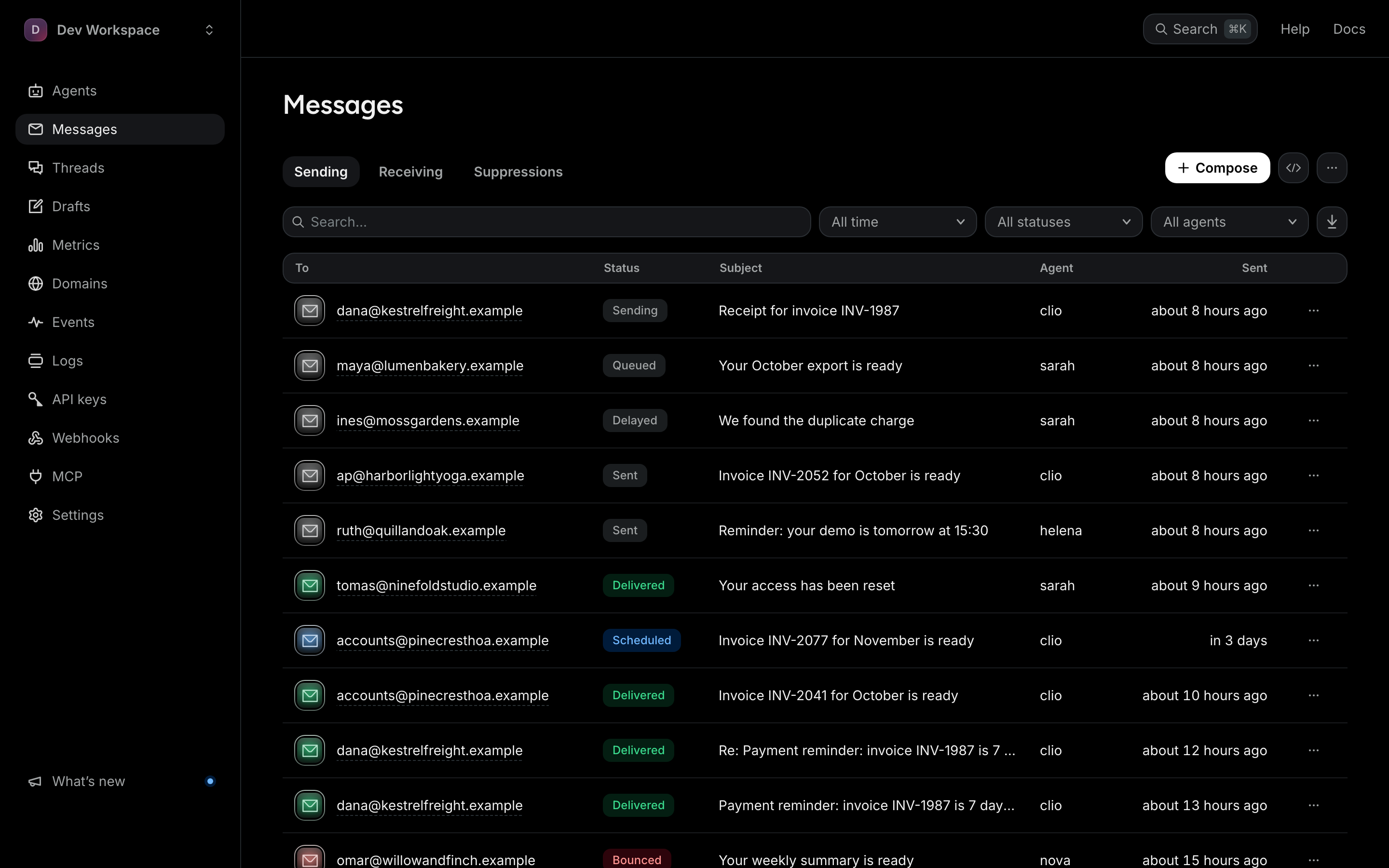
201 and the message's key fields: its id (msg_...), from (the agent that sent it), its classifier score and status. Status moves from sent to delivered on its own as the receiving side confirms, or to bounced or complained when that is reported. GET /v1/messages/{id} returns the full message.
Useful optional fields
reply_to— where replies should land if not the sending agent.cc/bcc— arrays of addresses.tags— your own name/value labels, up to 10. They come back on the message and on itsmessage.sentevent; later events carry themessage_idto match on.scheduled_at— hold the send until a timestamp (see drafts and scheduling). A future time cannot carry attachments yet: that combination is refused with400 invalid_field, because the files would not be kept until then.
Every endpoint and a live Try-it console are in the interactive API reference.
Open the API reference