
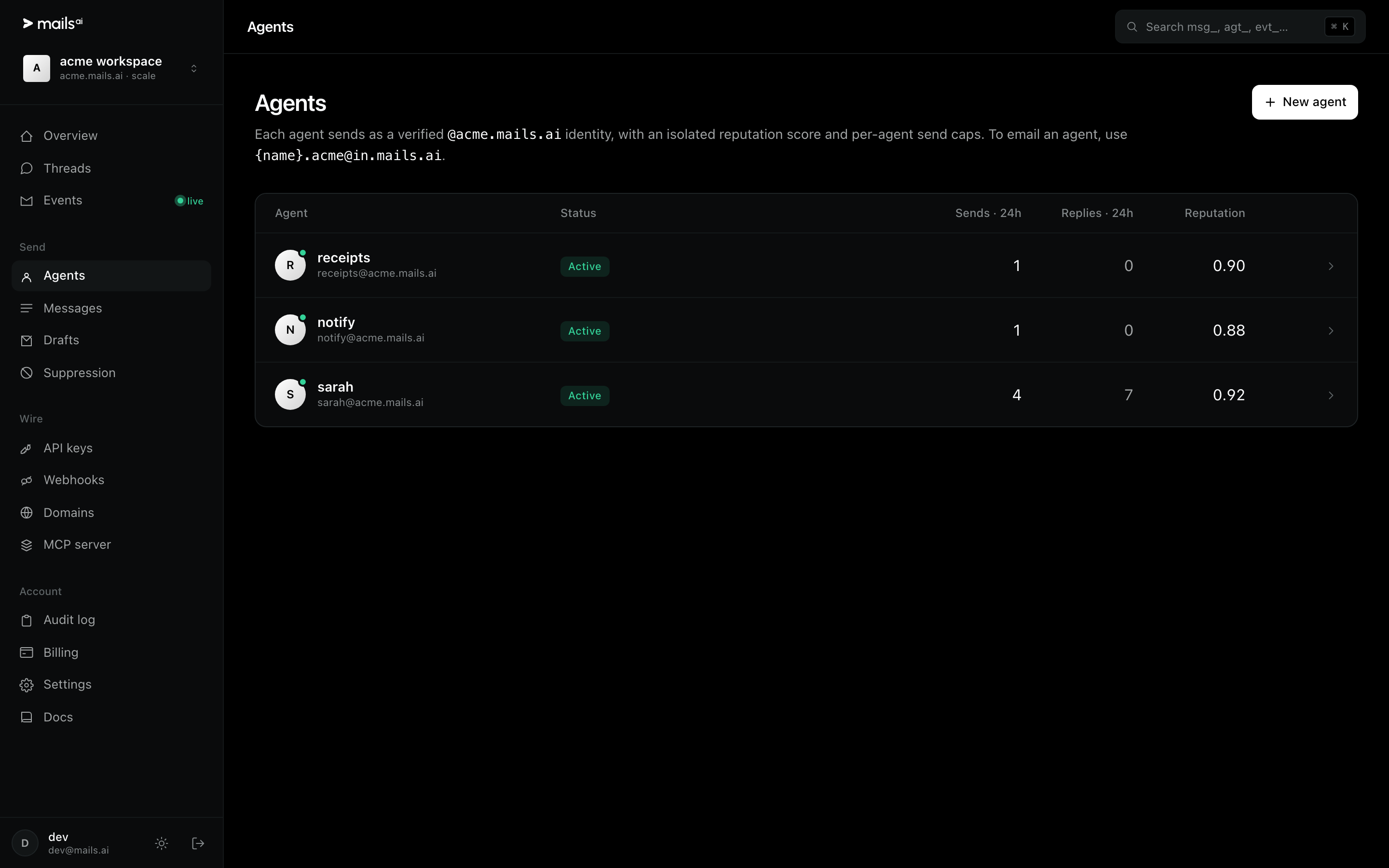
Every workspace gets a subdomain: <your-workspace>.mails.ai. The slug you chose at signup is the <your-workspace> part, and each agent is a name on it. Put "from": "sarah" on a send and [email protected] is created and used.
Why one agent per job, not one per customer
An agent carries its own reputation score, its own send counts and its own allowlists. Splitting by JOB — bookings, notifications, receipts — means a problem with one never drags the others down. Splitting by customer just multiplies identities that all behave the same.
Naming rules
Lowercase letters, digits and hyphens.
The name is the local part of a real address, so pick something a recipient reading the From line will understand.
You can create agents explicitly on the Agents page if you would rather not create them by sending.
When you add your own domain later, agents can send as [email protected] instead — nothing about your code changes except the domain.