

Swap mk_live_ for mk_test_ and the same request path runs: the request is validated, the content is classified, the message is threaded, events fire and your webhooks receive them, marked test_mode: true. Nothing leaves the building and nothing is billed.
The field to check
On a test send, read classifier_warning on the response. That is how a sandbox send tells you the same message would have been refused live as cold or bulk mail — the cheapest possible way to find out that your template reads as marketing, before a real customer is waiting on it.
What test mode does not do
It does not deliver. No recipient ever receives a test send.
It does not count toward your monthly quota and never appears on an invoice.
It does not check your quota, the suppression list, rate limits or a sending hold, so a clean test send does not promise that the live send will go through.
Three things do carry over. A paused agent refuses a test send, as it would a live one. An agent's own allowlist_domains and blocklist_domains refuse it too, so a test key is how you check them. And a test send to [email protected] still gets its automatic reply, as a test event that is not counted against your inbound.
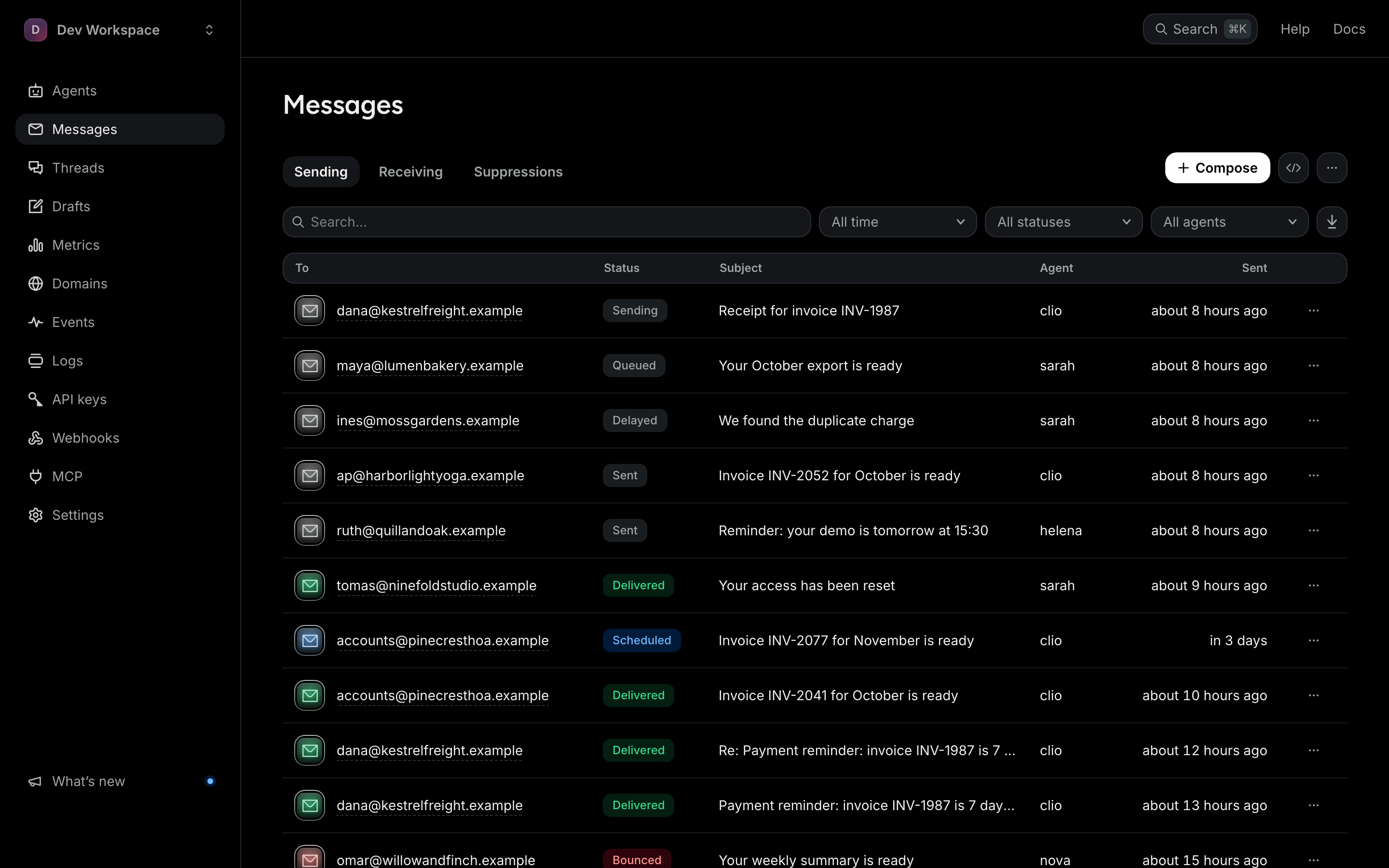
Test messages show up on the Messages page alongside live ones, marked Test, so you can inspect exactly what would have gone out.
Open the message log