
On any paid plan your agents can send from a domain you own instead of yourworkspace.mails.ai. Records only — no nameserver move, and nothing about your existing mail has to change.
The steps
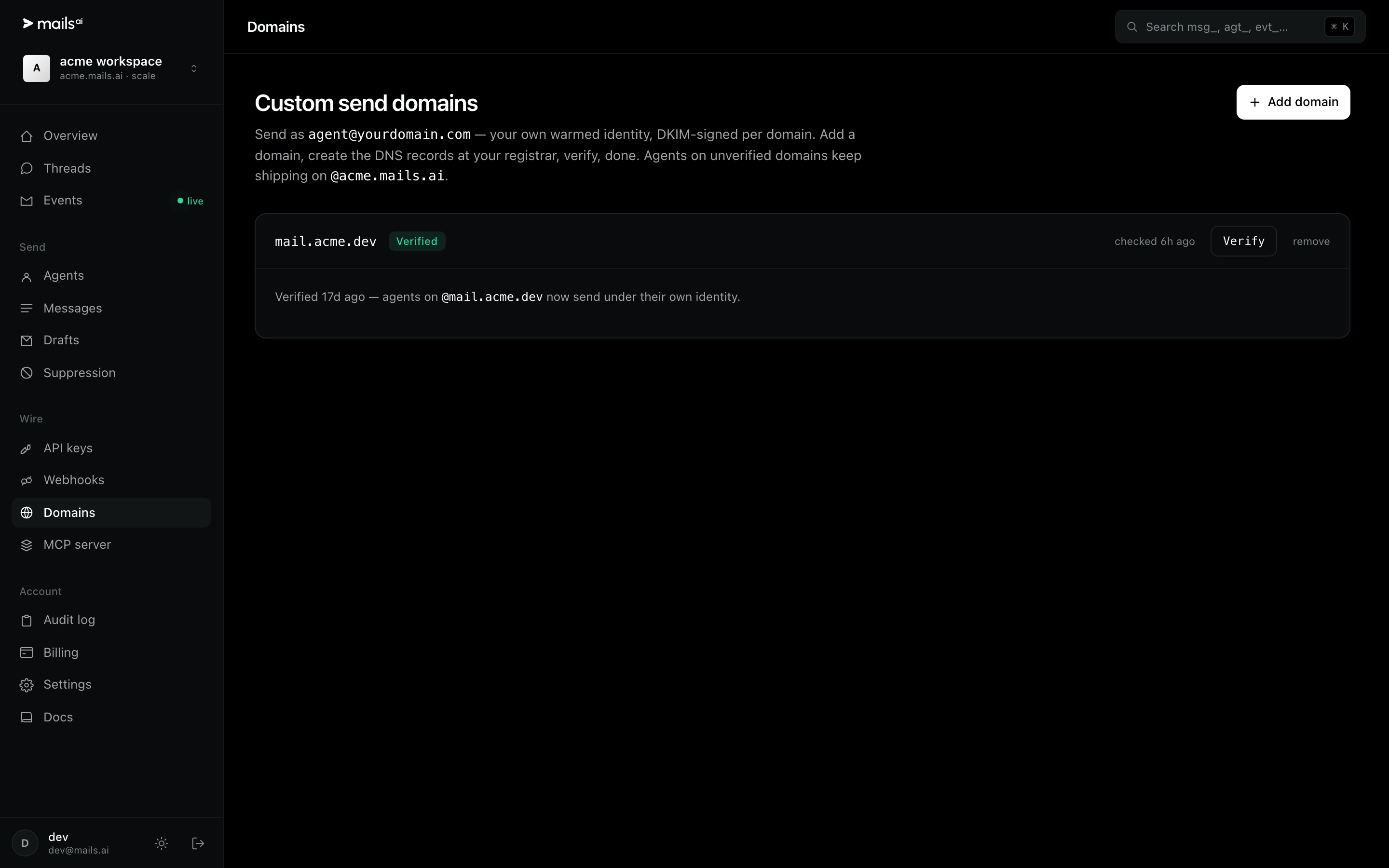
Open Domains and add the domain, or
POST /v1/domains.Create the DNS records we hand back, at your own registrar.
Press Verify (or
POST /v1/domains/{id}/verify). We do a real DNS lookup — this is not a checkbox.Create agents on that domain. They now send as
[email protected], DKIM-signed with a key generated for your domain.
If verification lapses
Verification is re-checked. If the record disappears, the domain drops back to verifying and sends from agents on it return 422 domain_not_verified with a message telling you which record is missing. Agents on your .mails.ai subdomain keep working throughout.
Add your domainOne live limitation, stated up front: custom-domain sends cannot currently reach Outlook and Hotmail recipients. Mail from your workspace subdomain is unaffected. If your recipients are mostly on Microsoft, stay on the subdomain for now.